Safeguard your device by following the appropriate packaging and shipping procedures.
Trade-in customers have two options available for shipping device(s) with value to Ingram Micro LIFECYCLE after receiving a quote.
1. Use Provided Return Shipping Label and Own Packaging Materials
This is the default method for shipping less than five (5) devices to Ingram Micro LIFECYCLE. This method expedites the trade-in process by alleviating the time needed for Ingram Micro LIFECYCLE to ship packaging materials to your location.
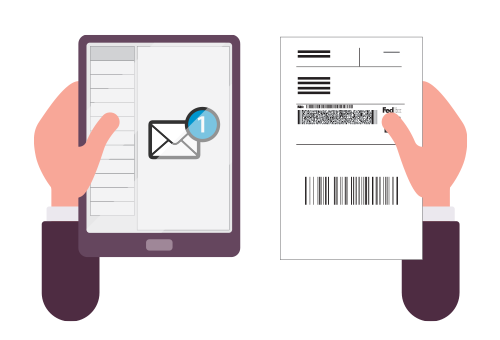
We will include a return shipping label as a PDF attachment with your trade-in confirmation email. Open the PDF and print the return shipping label.

Then place your device in a box, securely package, and affix the return shipping label to the outside of the box.

Drop off your package at the nearest FedEx location or call 1-800-GoFedEx to schedule a pick-up.
2. Ingram Micro LIFECYCLE Will Send Packaging Material and Arrange Pick-up
This is the default method for shipping five (5) or more devices and will be coordinated by phone or email. It will delay payment due to additional business days required to ship materials to the specific location.
Ingram Micro LIFECYCLE will send shipping materials and a return shipping label. When packaging the device, be sure to include all accessories (cables, adapters, mice, keyboards, etc.). Failure to include any items you told us about when the quote was calculated, or sending us a device which does not match your original description, may impact the final value of your device and may result in a recalculated quote.